[ NETWORKED / SWITCHED RACK PDU // EXACT SKU ]
CyberPower PDU41008 Switched PDU
200–240 V single-phase, 30 A input (24 A continuous); 12 C13 + 4 C19 switched outlets; 2U. This static record covers the named model only; confirm complete regional suffix, revision and nameplate before installation.
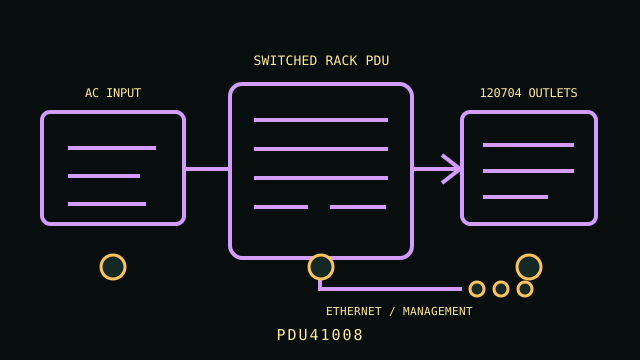
ARCHIVAL IDENTIFICATION: PDU41008. Record the complete label, serial/date code, firmware and condition; similarly named models are not electrically interchangeable.
Exact model specifications
| SKU / topology | PDU41008 — networked switched rack power distribution unit; no UPS battery or stored runtime. |
|---|---|
| Input and output voltage | 200–240 V AC input and output |
| Phase / ampacity | Single phase; 30 A input, 24 A maximum continuous load (derated) |
| Outlet count and type | 16 total: 12 × IEC 60320 C13 and 4 × IEC 60320 C19; switched individually or in groups |
| Metering / outlet switching | Local LCD and remote input/load metering; individually switched outputs with sequencing/reboot functions. |
| Network management | RJ45 Ethernet network management, web interface and SNMP; event/alert options vary with firmware/configuration. |
| Rack dimensions | 2U horizontal rackmount; nominal 19-inch rack width, approx. 17.05 × 4.41 × 3.5 in (W×D×H). |
| Plug and load compatibility | Attached NEMA L6-30P grounded input plug requires a 200–240 V single-phase L6-30R circuit. C13 connects to C14 inlets; C19 connects to C20 inlets. Match load voltage and connector current ratings. |
| Electrical safety | Limit continuous input load to 24 A and observe outlet-bank/overcurrent limits. Do not use C13/C19 outputs for equipment not rated for the supplied 200–240 V. Preserve protective earth and consult the installation manual before mounting or energizing. |
Service and safe deployment
- Verify voltage, phase, inlet plug, circuit ampacity, continuous load and per-outlet ratings against the PDU nameplate and the exact product manual.
- Use grounded, correctly protected service; never defeat the protective-earth conductor, overload an outlet/bank, or daisy-chain power strips/PDUs.
- Mount the chassis using the manufacturer-approved brackets and preserve ventilation and strain relief. Inspect cord, plugs, receptacles and enclosure for heat, wear or damage.
- Disconnect upstream power before installation, relocation or service. Do not open energized mains equipment; use a qualified electrician where required.
- Network management can switch power to connected systems; isolate management access, set unique credentials and verify firmware before deployment.
Manufacturer sources and manual
- Manufacturer product page — CyberPower PDU41008 Switched PDUManufacturer model listing and configuration details; match the complete SKU and region.
- Manufacturer documentation — PDU41008 User ManualManufacturer manual, technical data or specifications; use the revision applicable to the unit label and follow its installation and safety directions.