[ FLOPPY DRIVES // IDENTIFIED EXTERNAL MODEL ]
Panasonic CF-VFDU03 USB Floppy Disk Drive
Model-specific archive record. Enclosure labels do not always identify the installed mechanism or host controller; preserve the full suffix and inspect the unit before connection or service.
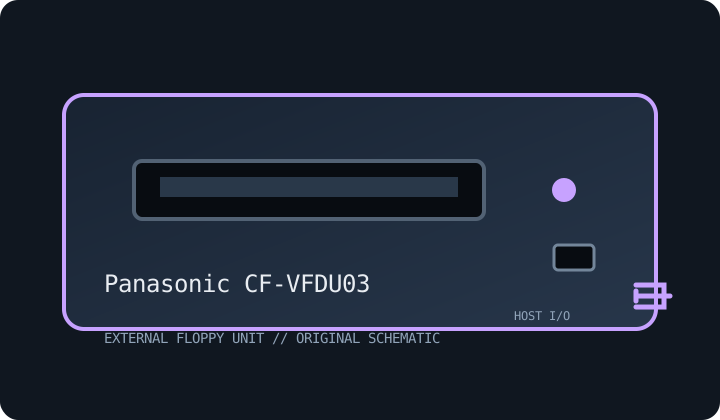
MODEL IDENTIFICATION: Panasonic CF-VFDU03. Photograph the nameplate, serial, connector and power rating. Verify revision-specific instructions and inspect any replacement mechanism before use.
Recorded specifications
| Exact model | Panasonic CF-VFDU03 |
|---|---|
| Drive size / type | 3.5-inch external floppy drive. |
| Capacity / formats | 1.44 MB high-density and 720 KB double-density PC formats when supported by host driver and revision. |
| Interface / controller | USB floppy bridge/controller; filesystem-level access, not a flux-level preservation interface. |
| Power | USB bus-powered; use a direct host port or suitable powered hub and check regional label/manual. |
| Host OS / system compatibility | Panasonic notebook/Toughbook systems and other USB hosts with compatible drivers; BIOS boot support varies by generation. |
| Cable / connectors | USB cable/lead specified for CF-VFDU03; do not substitute a charge-only lead. No direct 34-pin PC connection. |
Compatibility and preservation caveats
Bundled-drive compatibility and boot behavior vary by notebook/OS. Verify full label and driver; bridges can fail on nonstandard sectors.
Inspect for corrosion, contamination, cracked plastics, damaged shutter, cable strain and prior repairs. Do not insert damaged media. Record host, OS, controller/driver, drive label, revision, media condition and acquisition settings. Preserve original images and document conversions separately.
Manufacturer manuals & archive references
- Panasonic Support — product documentation portalManufacturer support entry point; search exact CF-VFDU03 and host model.
- USB Implementers Forum — USB DocumentsUSB interface standards reference; not a Panasonic format/compatibility table.
Sources are described by scope; a support portal or related-family manual does not establish every model-specific rating. Prefer a complete matching manual and unit label over family-level assumptions.