[ INTEL DESKTOP CPU // MODEL RECORD ]
Intel Core i9-14900KS
Raptor Lake Refresh-S (14th-generation Core), Q1 2024; 24 cores (8 P-cores + 16 E-cores) / 32 threads; P-core base 3.20 GHz, max turbo up to 6.20 GHz; E-core base 2.40 GHz, max turbo 4.50 GHz; 36 MB Intel Smart Cache (L3); 150 W processor base power; 253 W maximum turbo power. Verify the physical model marking and platform support before installation.
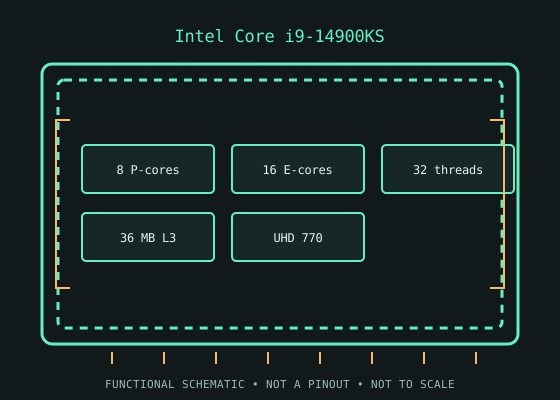
MODEL IDENTIFICATION: Intel Core i9-14900KS. Specifications refer to this SKU; related suffixes and revisions may differ.
Verified model specifications
| Catalog path | Intel → Core desktop generations |
|---|---|
| Model / generation | Raptor Lake Refresh-S (14th-generation Core), Q1 2024 |
| Core and frequency | 24 cores (8 P-cores + 16 E-cores) / 32 threads; P-core base 3.20 GHz, max turbo up to 6.20 GHz; E-core base 2.40 GHz, max turbo 4.50 GHz |
| Cache / processor power | 36 MB Intel Smart Cache (L3); 150 W processor base power; 253 W maximum turbo power |
| Package / socket | FCLGA1700 (LGA1700) |
| Memory | Dual-channel DDR4-3200 or DDR5-5600; motherboard selects one memory type |
| Integrated graphics | Intel UHD Graphics 770 |
Compatibility and service notes
- An LGA1700 socket is necessary but not sufficient: use only a board whose CPU support list and BIOS support the i9-14900KS. Check the exact BIOS/microcode and Intel/board-maker power guidance, robust VRM, cooler capacity, and physical socket condition. 600- and 700-series board support is model/BIOS-specific; DDR4 and DDR5 are separate motherboard versions. Treat 150 W base and 253 W maximum turbo as power classes requiring suitable system cooling, not as cooler ratings.
- KS identifies the special higher-bin 14900K-family SKU, rated for up to 6.20 GHz; this is not a generic guaranteed sustained all-core clock. It retains UHD Graphics 770. The i9-14900K is a separate 125 W-base SKU.
- Before installation, compare the full processor marking with the motherboard maker’s support list and minimum BIOS, then confirm cooler mounting, memory type, power delivery, and firmware settings. Socket fit alone does not establish compatibility; never force the package.
Service & archival record
Record the full model/ordering code and S-spec, stepping, board revision, BIOS/microcode, memory configuration, cooler, power profile, physical condition, provenance, and source revision. Separate measured behavior from published specifications.
Handle the package by its edges and protect socket contacts. Inspect for contamination, damaged pads/pins, and uneven cooler pressure before use.
Sources & further reading
- Intel ARK — Intel Core i9-14900KS product specificationsIntel’s official product-specification lookup/page for the exact processor model.
- Intel — Desktop processor installation supportManufacturer guidance for installation and socket handling; use the motherboard maker’s exact CPU-support list for board and BIOS compatibility.
- Gamers Nexus — Intel Core i9-14900KS | Fastest Gaming CPU Yet!Independent video review; treat as supplementary context, not primary manufacturer documentation.
Verify board revision and firmware with its manufacturer; ARK specifications do not guarantee compatibility with every motherboard sharing a socket.