[ CABLE / ADAPTER RECORD // HDMI/DVI-D COMPATIBLE TMDS PASSIVE LINK ]
HDMI-to-DVI-D Single-Link Cable
HDMI Type-A to DVI-D single-link; passive TMDS-compatible video, normally source to display; DVI end omits HDMI audio/control.
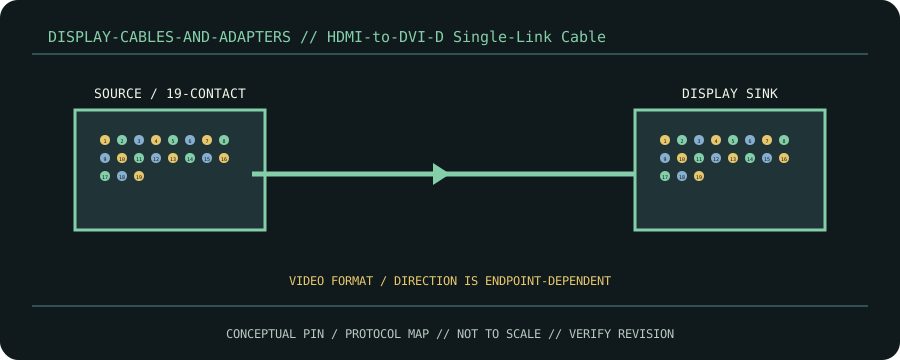
CLASSIFICATION: Display cables and adapters. Identify protocol, direction, pinout and exact cable revision before connection.
Interface and capability
| Standard / protocol | HDMI/DVI-D compatible TMDS passive link. Connector appearance alone does not establish compatibility. |
|---|---|
| Endpoint / pinout | HDMI Type-A to DVI-D single-link; passive TMDS-compatible video, normally source to display; DVI end omits HDMI audio/control. |
| Capability / limits | DVI single-link pixel-clock ceiling applies; actual mode depends on EDID, HDCP, source and sink. |
| Certification / length | Standards define interface requirements, not every assembly’s performance. Certification, mode, current/power rating, direction and maximum length belong to the exact product/revision and complete channel; verify its manufacturer specification. Do not infer certification from connector shape or marketing terminology. |
Compatibility & handling
- This is not a scaler. Expect no audio at DVI display; verify copy protection and mode support.
- Inspect connector keying, latch, contact condition, shielding, jacket and model/revision marking. Stop if contacts are bent, loose, scorched, corroded or mismatched.
- Route without tension or sharp bends; follow product bend-radius, strain-relief, current and environmental limits. Test at the intended protocol and mode—physical fit is not a compatibility test.
Sources & further reading
- DDWG Digital Visual Interface Revision 1.0Primary standards-body or manufacturer reference for HDMI/DVI-D compatible TMDS passive link; confirm exact cable assembly, certification and revision.